
Can’t stop scrolling?
Not a you problem.
It’s a design problem.
Smart design tricks will keep you hooked long after you’re ready to log off
– unless you remove them.
Want to put your phone down? Willpower won’t work.
Your fav apps track whatever you do online, to know how to hook you.
They use algorithms to see which layouts, buttons, features and content will make each of us scroll longer.
To take back control, you need to think like a designer.
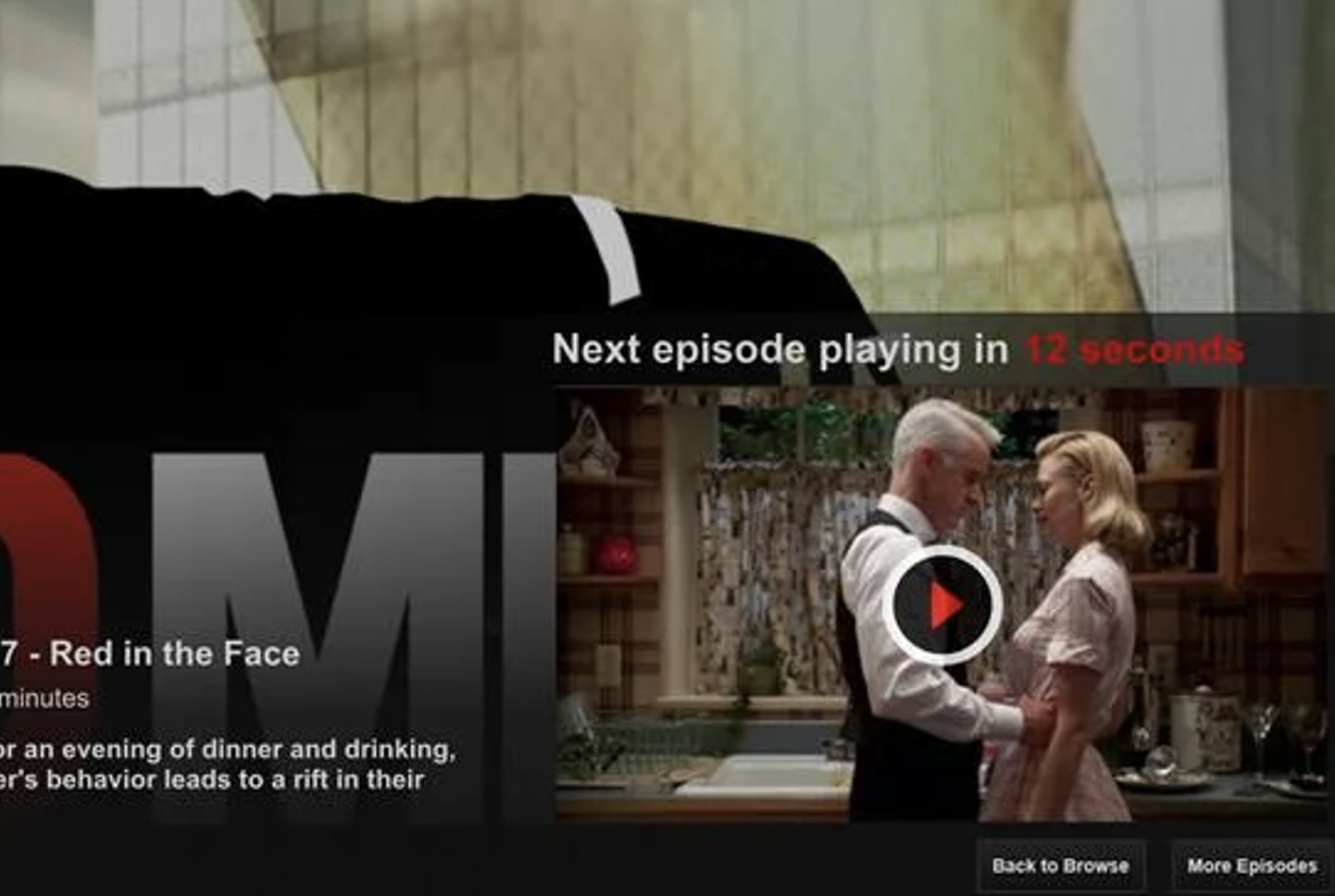
Try switching off Autoplay small, powerful changes you can make to your screen settings, that’ll make it possible for you to put your phone down when you want to.
And it starts with design.
I’m Iske from Design my Screen time.
Inspired by master’s thesis (co-created with teens from seven countries about their screenage experiences and what they’d like to see change) and my own kiddos, I created Design my Screen time.
I do offer classes, talks and resources about addictive tech for tweens, teens, parents & educators.
This is my fav news story of the month is EU tells TikTok to change addictive design.

Autoplay
Notifications makes sense.
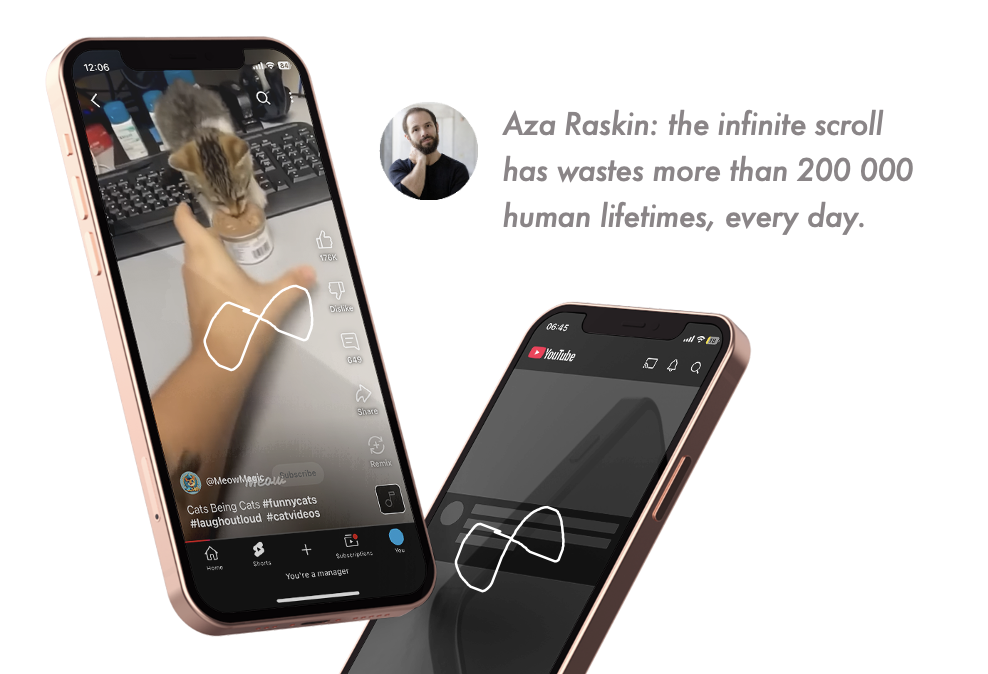
Infinite Scroll
Notifications makes sense.
Notifications
Notifications makes sense.
24hrs content
Notifications makes sense.
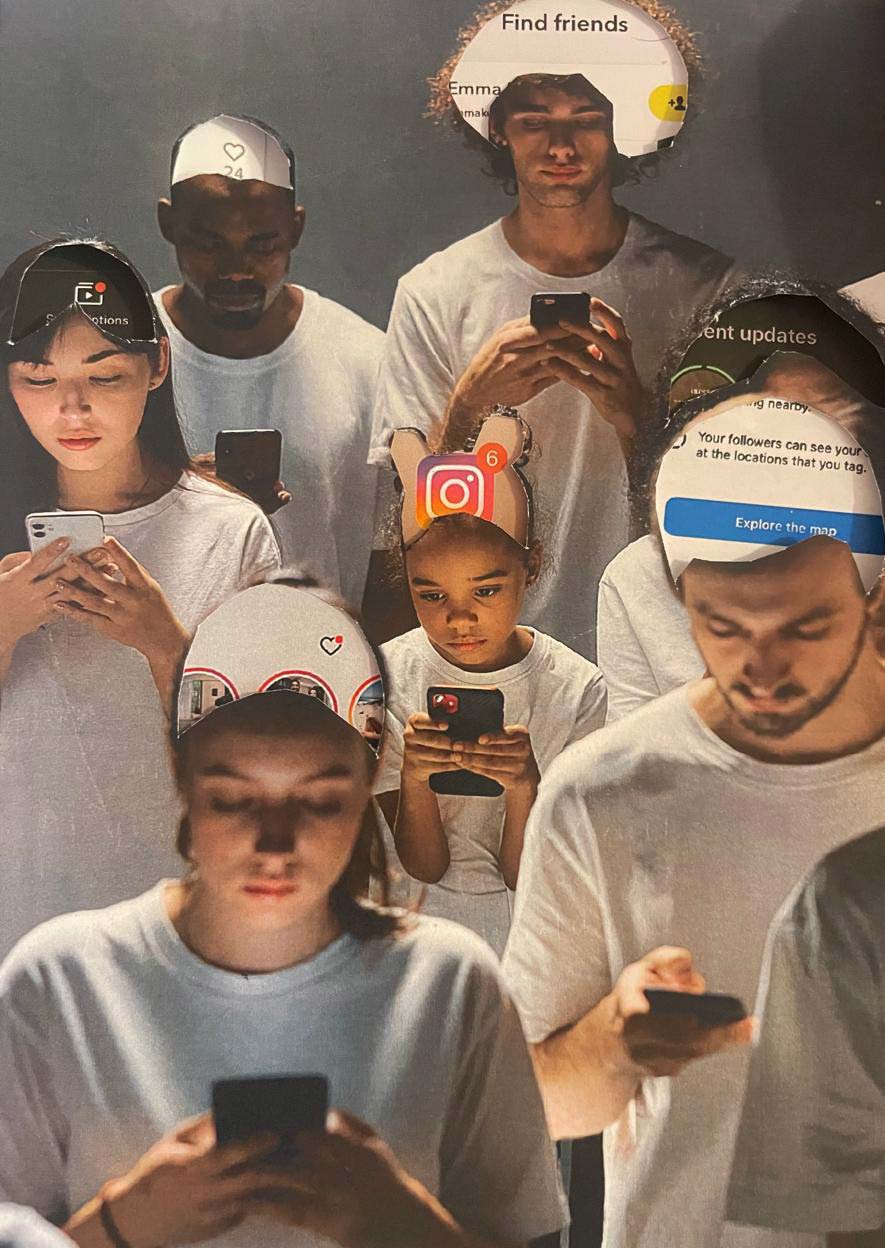
Social feedback
Notifications makes sense.
Children pay the price.
If a child gets a smartphone at 12, by 21 they will have lost a full year of their life to scrolling — that’s a year of poorer sleep, weaker focus, less learning, and fewer real connections.
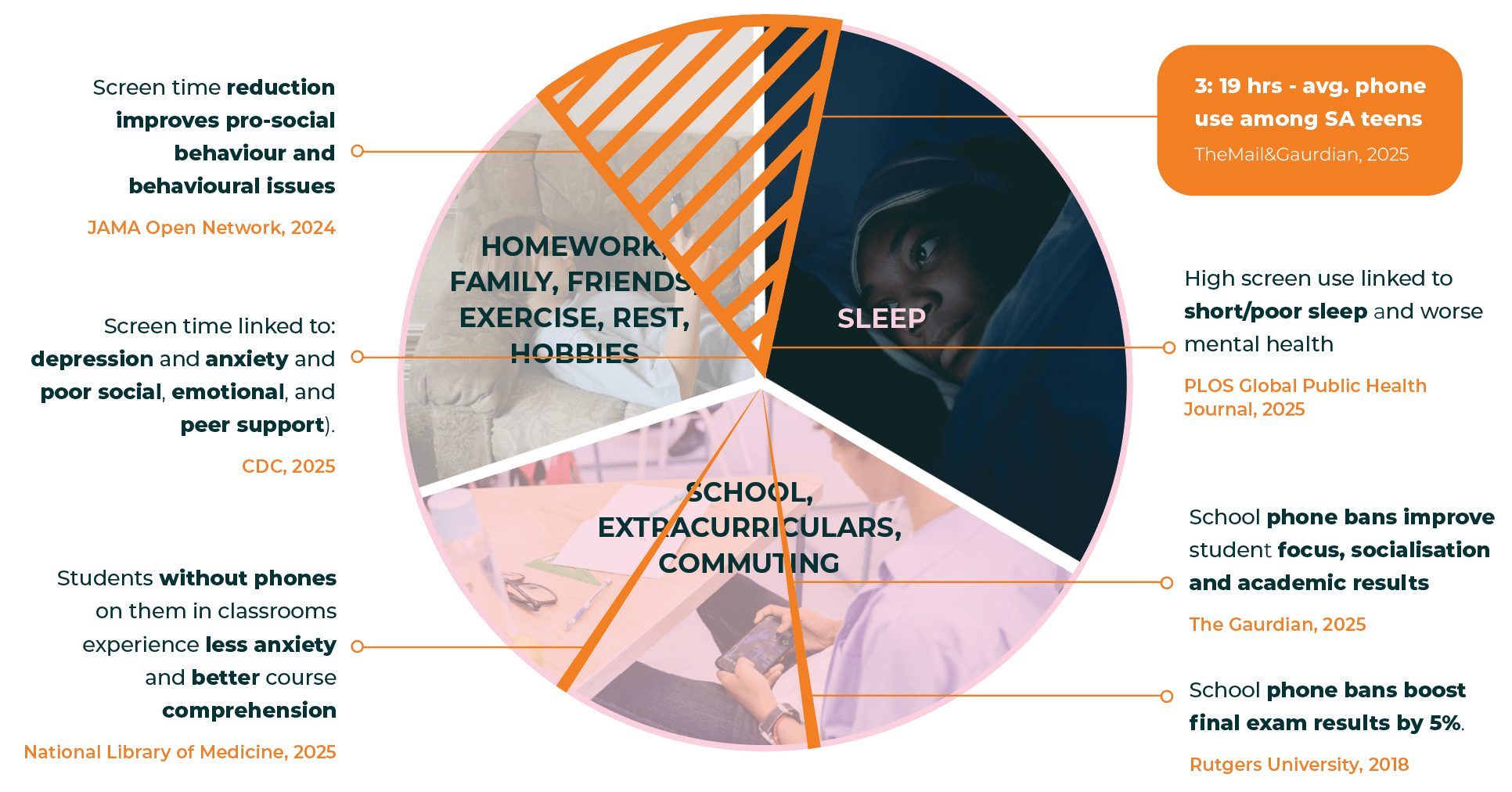
To an app like TikTok that year equals up to 17,000 ads — more profit for apps, no protection for kids.
Until laws catch up, it’s up to us.
About Design
My Screen Time
Inspired by Iske’s master’s thesis (co-created with teens from seven countries) and her own kids, Design My Screen Time offers creative, hands-on classes, talks and resources about addictive tech for tweens, teens, parents and educators.
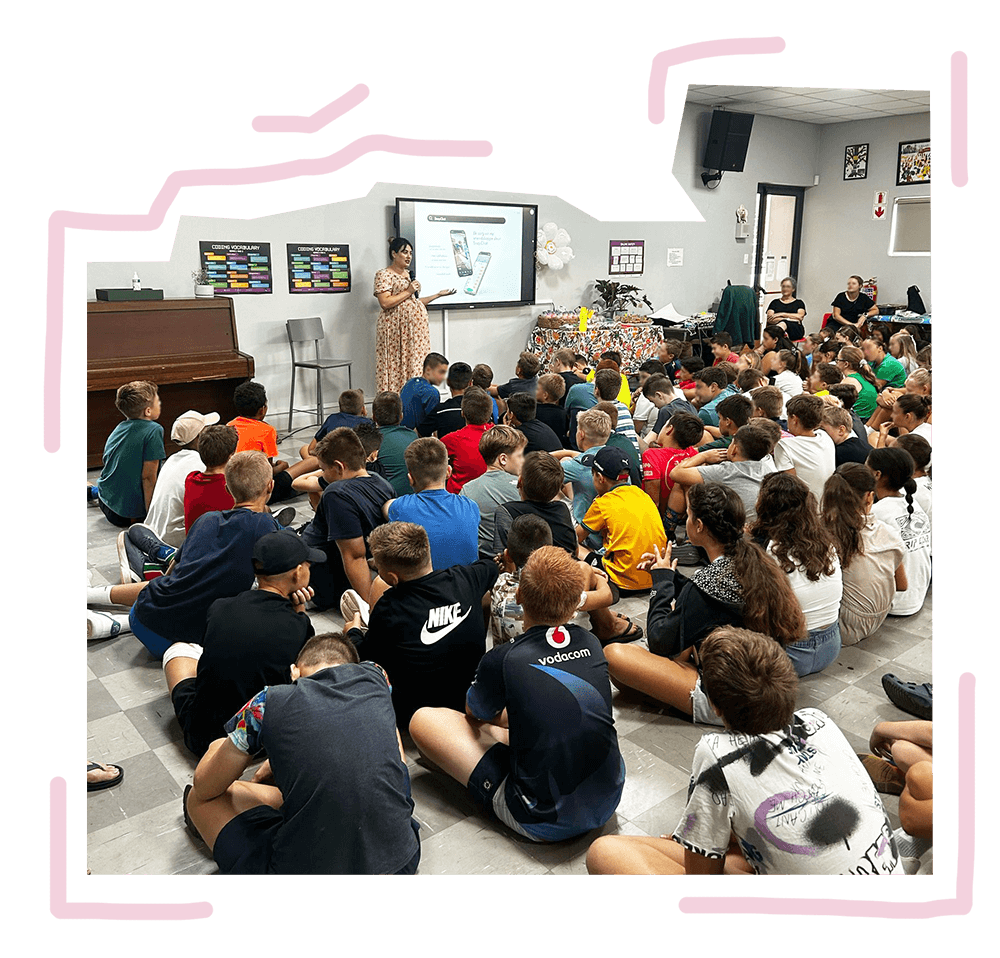

Grade 6 - 12 Classes
Here learners become app designers to explore addictive design creatively, ideating apps that support their values.
App Guides
What every parent needs to know about TikTok, WhatsApp, Roblox, YouTube… Red flags to safer app settings.

School Talks
For grade groups, educatorsor parents on how apps hook children and the settings and strategies that makes it easier to manage their harmful side at home and on the school ground.